
Context-Aware Workflows: Automating Project Handoffs
Eliminate the 'copy-paste tax' by leveraging Tamaton’s unified workspace to turn document data into briefs and calendar events instantly.
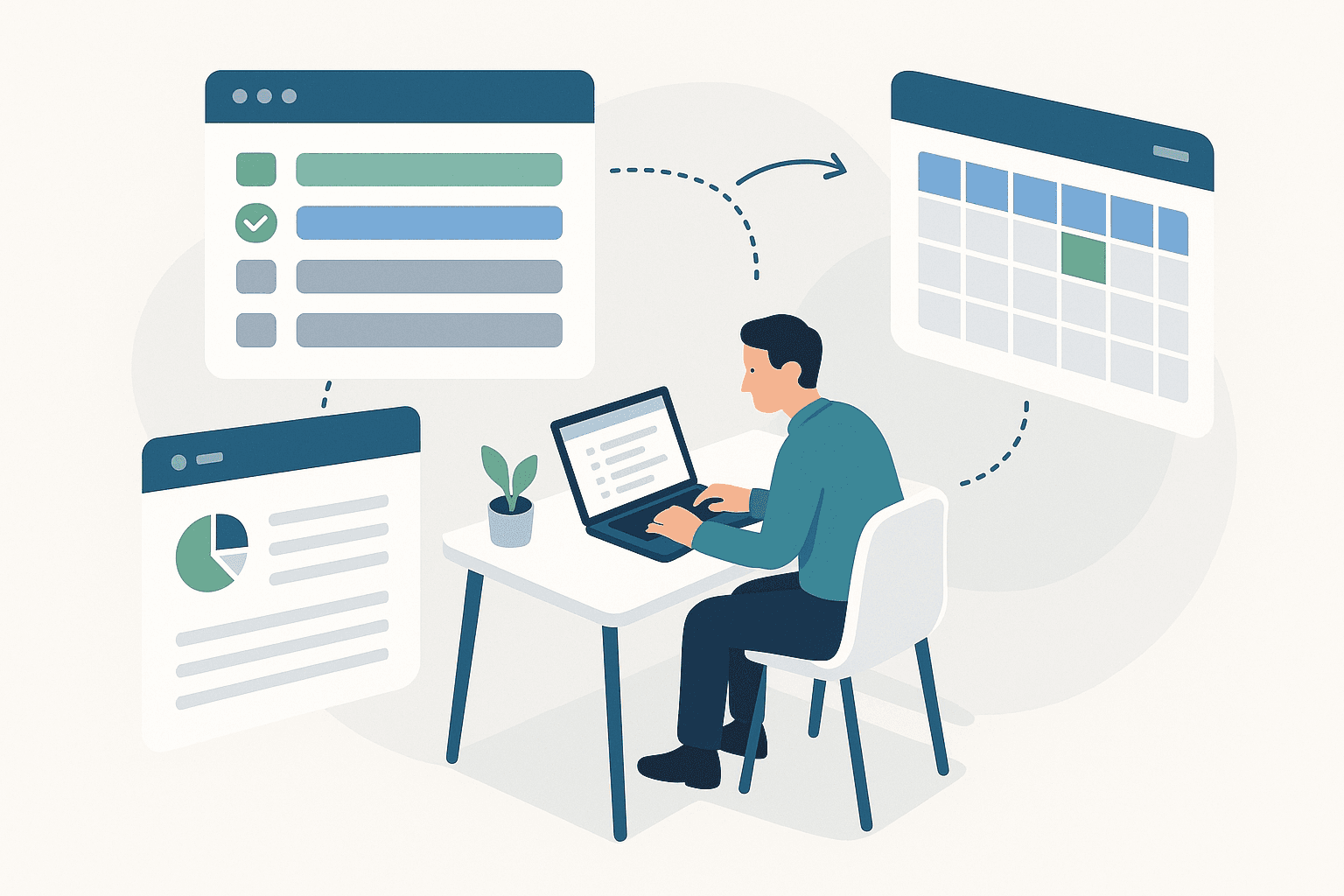
The most significant friction point in modern knowledge work isn't the work itself—it's the transition between tasks. We call this the "tab-switching tax." You finish a technical specification in a document editor, then manually copy-paste the key milestones into an email brief for stakeholders, and finally cross-reference those dates to find a slot in your calendar.
This manual relay of information is prone to error and consumes cognitive load that should be reserved for high-level problem solving. To solve this, we need more than just generative AI; we need context-aware AI integrated into a unified workspace.
The Problem with Fragmented Productivity Stacks
Most productivity tools operate as isolated silos. Your email provider doesn't know what's in your latest product requirement document (PRD), and your calendar has no visibility into the action items buried in your spreadsheets. Even when these tools are "integrated" via third-party automation platforms, the integration is often surface-level—triggering on a new file creation rather than understanding the content within that file.
In a fragmented stack, "automation" usually looks like a series of rigid if-then statements. But project handoffs are rarely that linear. They require synthesis. You don't want to send the entire 20-page doc to your CEO; you want to send a three-bullet summary of the risks, budget, and timeline.
Understanding Context-Aware AI
Context-aware AI refers to large language models (LLMs) that have secure, real-time access to your entire work graph. In Tamaton, the AI doesn't just see the cursor position in your current document; it understands the relationship between that document, your previous email threads with the engineering team, and your availability next Tuesday.
By unifying email, docs, and calendar into a single data layer, Tamaton allows for ai productivity workflows that handle the synthesis for you. When the AI has context, it can perform an automated project handoff by recognizing that a finished document represents a state change in a project, necessitating specific follow-up actions.
A Concrete Workflow: From Spec to Kickoff
Let’s look at how this works in practice. Imagine you are a product manager finalizing a feature spec for a new API integration.
1. Finalizing the Source Truth
You finish your draft in Tamaton Docs. Because the document lives in the same environment as your communications, the AI has already indexed the technical constraints discussed in earlier email threads.
2. Generating the Executive Brief
Instead of opening your email client and typing "See attached spec," you invoke the Tamaton agent directly within the doc. You might use a prompt like this:
{
  "action": "synthesize_handoff",
  "target": "Stakeholders",
  "format": "email_brief",
  "include": ["milestones", "resource_requirements", "security_implications"]
}
Tamaton scans the document, extracts the relevant data points, and drafts a precise email. It doesn't just summarize; it synthesizes. It knows who the stakeholders are based on previous project permissions and drafts the email in your professional voice.
3. Closing the Loop with the Calendar
A handoff isn't complete until a review is scheduled. Within the same motion, Tamaton identifies the "Implementation Phase" start date from your document and cross-references the invitees' calendars. It proposes three potential 30-minute kickoff slots where everyone is free, inserts the synthesized brief into the calendar invite description, and prepares the draft for your final approval.
Why Integration Beats "Add-ons"
The reason this workflow fails in traditional suites is the latency of data sync. If your AI is an "add-on" or a sidebar plugin, it has to constantly fetch data across APIs, often hitting rate limits or missing the most recent edits.
In a truly unified workspace, the AI is native to the file system and the communication protocol. This allows for a deeper level of intelligence:
- Intent Recognition: The AI recognizes when a document reaches a "ready" state.
- Entity Linking: It understands that "Project Phoenix" in an email is the same entity as the "Phoenix_Final_v2" spreadsheet.
- Zero-Copy Transfers: Data moves between modules as structured objects, not just raw text, preserving formatting and metadata.
Scaling the Workflow
For founders and small dev teams, the benefits of context-aware workflows scale as the volume of information grows. When you are managing five concurrent workstreams, the mental overhead of remembering which stakeholder needs which update is immense.
By using Tamaton to automate these handoffs, you ensure that no project stalls due to a communication bottleneck. You shift your role from a data-router—moving info from Tool A to Tool B—to a decision-maker who simply reviews and triggers the next phase of the lifecycle.
Conclusion
Stop treating your productivity tools like a collection of separate tabs. The future of work isn't about having more tools; it's about having one environment where the AI understands the context of your goals. By automating the handoff process, you reclaim the time lost to manual synthesis and keep your team aligned with zero additional effort.